Overview
The following project takes a look at how I enabled Google's Migration Center transformation and modernization. Modernization, and by its extension, the practice of lifting and modernization of infrastructure is one of the most modern ways to look at your infrastructure, and deploy changes to the environment.
Period of work: April 2025 - Current
Type of Engagement: UX conceptual Mockups + Programme Definition
Understanding the domain
Hello World to HTML
Let’s take a step back and strip things down to their simplest form. For many of us, the very first interaction with code wasn’t a complex software architecture or a multi-layered cloud system. It was a humble “Hello, World!” program — perhaps written on Scratch with colorful blocks, or a basic website built using HTML and CSS.
There was a certain charm to it. You’d write a few lines of code, double-click the .html file, and instantly see your creation come alive in a browser. This cycle of write → preview → iterate felt intuitive and magical.
What’s fascinating is how these small experiments already reflected core patterns of larger systems. You had code (the source), you had a domain (the browser acting as the runtime), and you had a preview (the user interface). This simple loop is still the essence of how applications, no matter how complex, operate today.
Scaling Up: The Layers Begin
Now, imagine you're working on Bamazon.com, a fictional e-commerce site. At first, it feels like it’s just more of the same: some HTML/CSS and a dash of JavaScript for interactivity. But then questions start popping up:
- Where does the product data come from?
- Where is the “Add to Cart” state stored?
- How does it remember my cart when I refresh the page?
Visualizing a Single Request
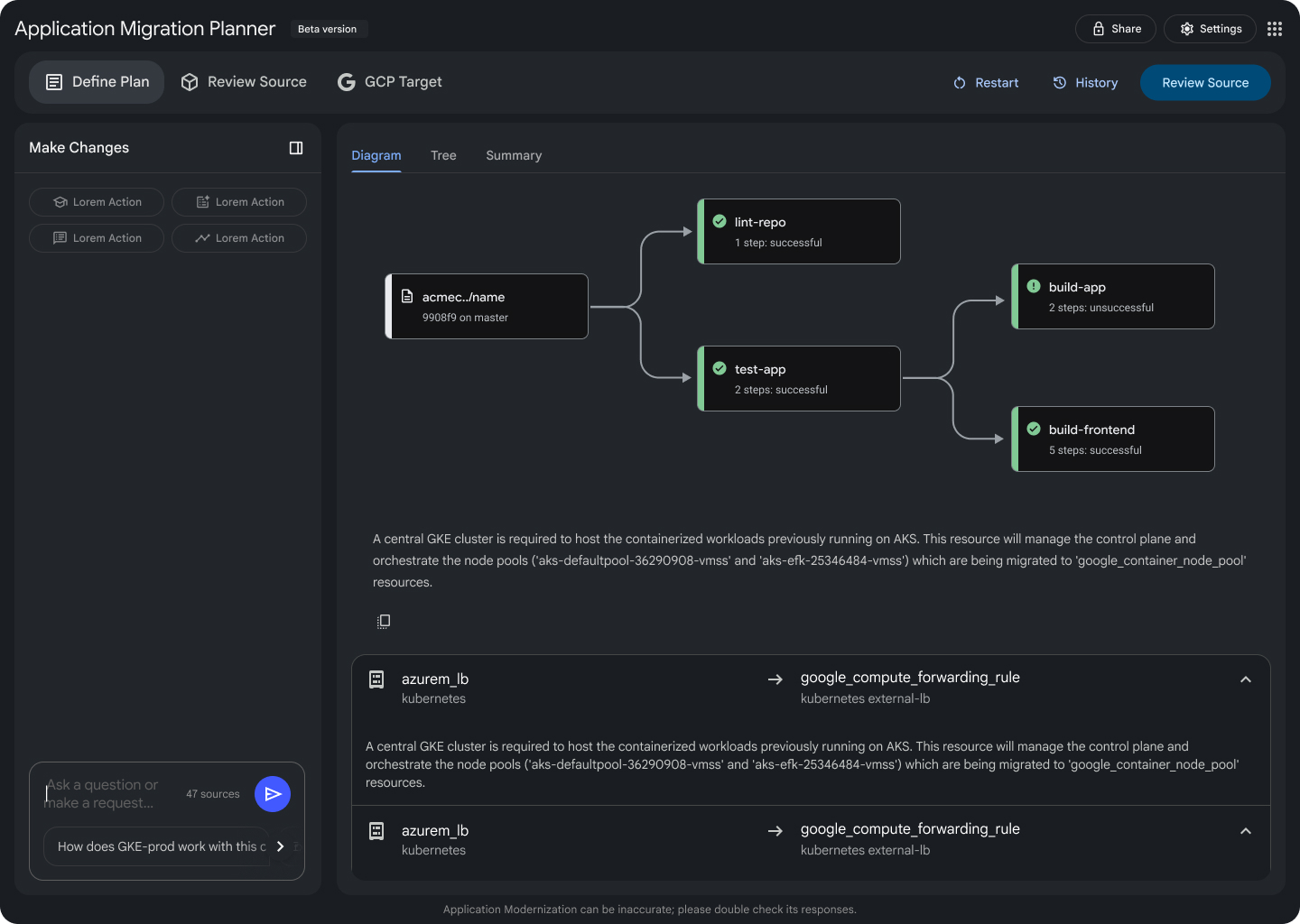
As you scroll, you'll see the journey of a single user request—from the initial click to database interactions and back. This illustrates the hidden complexity behind a simple action.
From Monoliths to Internal Developer Platforms (IDPs)
Not long ago, most apps ran on monolith servers¹—single systems where everything was bundled together. This made scaling and updating difficult. The shift began with virtualization², allowing us to split large servers into smaller, isolated environments. Eventually, cloud computing made infrastructure more dynamic and scalable.
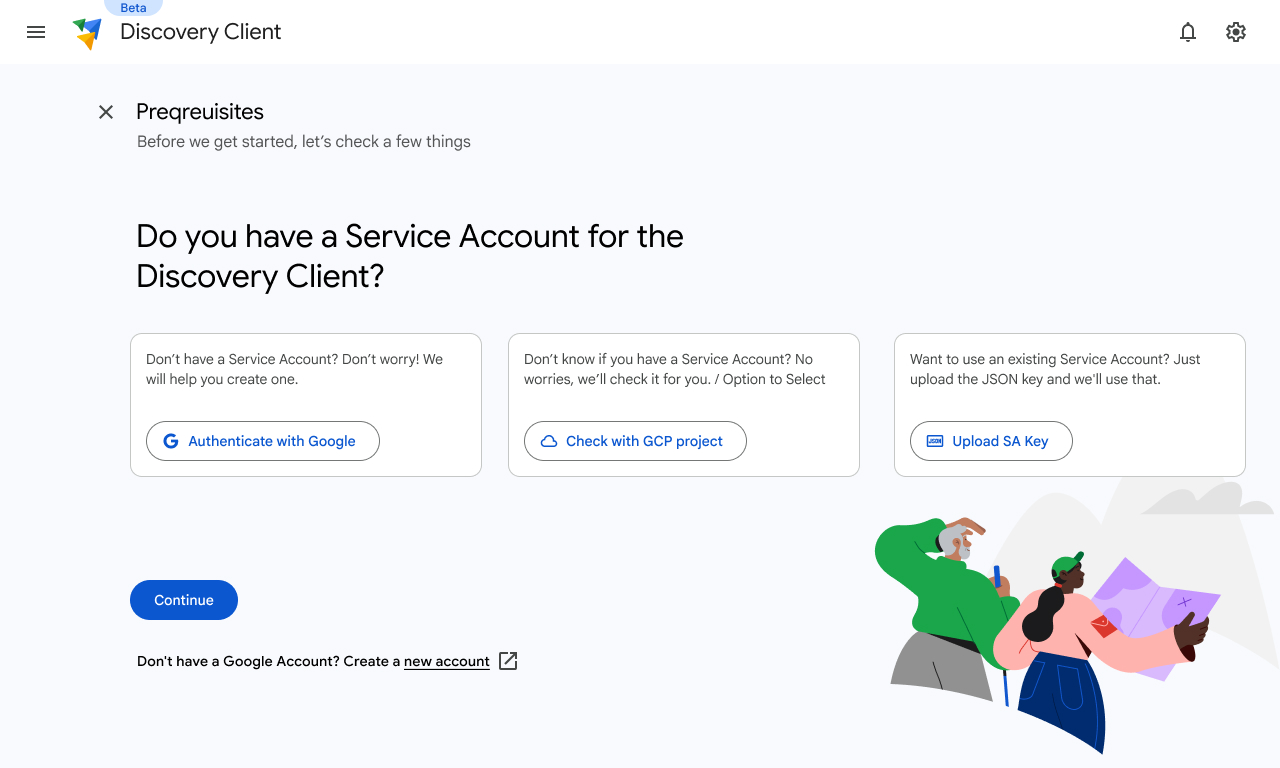
Today, with increasing complexity, teams rely on Internal Developer Platforms (IDPs³). These platforms provide:
- Golden Images⁴ (pre-configured environments),
- Automated CI/CD Pipelines⁵,
- Embedded best practices.
The goal? Minimize infrastructure hassle, so developers can focus on building and shipping software quickly and reliably. We’ve moved from manual, monolithic management to self-service, automated platforms that streamline development from code to production.
Understanding Enterprise Applications
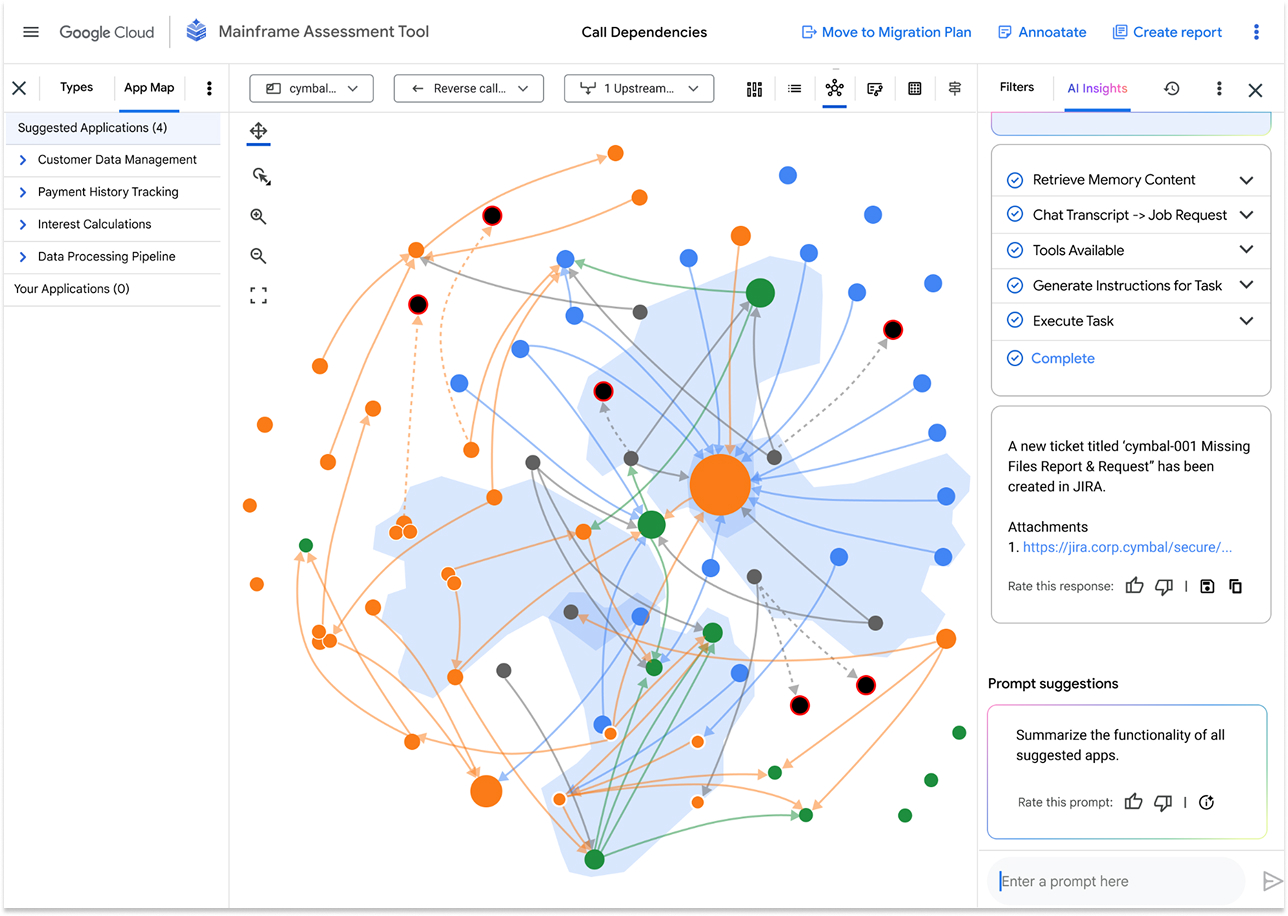
From an enterprise perspective:
- Foundational Elements - Environment & Deployment Topology [On Prem/Cloud/Hybrid] - Where Is it running
- Foundational Infrastructure - Compute, Networks, Storage, IAM/Permissions - what hardware and platform primitives are used
- Runtime Infrastructure (VMs, K8s, FaaS) - How are things running
- Platform Layer (CI/CD, Middleware, Containers,) - How is it built, deployed, secured
- Business services layer (Applications/Microservices) - What logical services power the business
- Interaction Layer (UX + APIs) - Web UIs, SDKs, APIs, Front-end services
UX Challenge & Process 🚀
One of the biggest challenges we faced was lack of clarity — the project had no clear direction or defined outcomes.
We turned this around by:
- Conducting review discussions that reshaped our understanding.
- Establishing a clear product vision and direction.
- Regular syncs with internal teams and CE representatives for alignment.
We used:
- OOUX (Object-Oriented UX) to structure system understanding.
- Stakeholder workshops for shared clarity.
- Defined a collaborative process that kept everyone in sync.
This structured approach transformed an ambiguous start into a well-aligned, actionable project.
Journeys, pain-points and challenges.
At its core, we can say, the essence of any web application has a definite manner of looking at things:
- Where the code runs
- How it gets there
- How is it maintained
- Who can access it
User archetypes
CEs, PSOs, TAMs - A deeper dive into what are the roles that come into account
Specific pain points
Based on our interviews, we had identified certain pain points:
- Help me understand the first five apps to migrate
- Code and Architecture Review
- Decomposing the Monolith (The "Strangler Fig" Pattern)
- How IaC + CI/CD is magic
Expected Outcomes
- Reduced downtime
- Automated rollback capabilities
Privacy & IP Definitions
Scope of Information
All project details, metrics, and outcomes presented in this case study are derived solely from publicly available information, open-domain documentation, and personal retrospectives on design methodologies. No proprietary data or non-public internal information belonging to current or former employers is included.
Non-Association Clause
The views and design explorations expressed here are personal and do not represent the official stance, strategic roadmap, or internal secrets of any associated organization. This portfolio serves as a demonstration of individual skill and design thinking in a non-commercial context.